






 设置
设置
 快速交货
快速交货
 免运费
免运费
 国际贸易术语
 支付类型
支付类型


 市场产品
市场产品
Introduction to Zephyr Part 2: CMake Tutorial | DigiKey
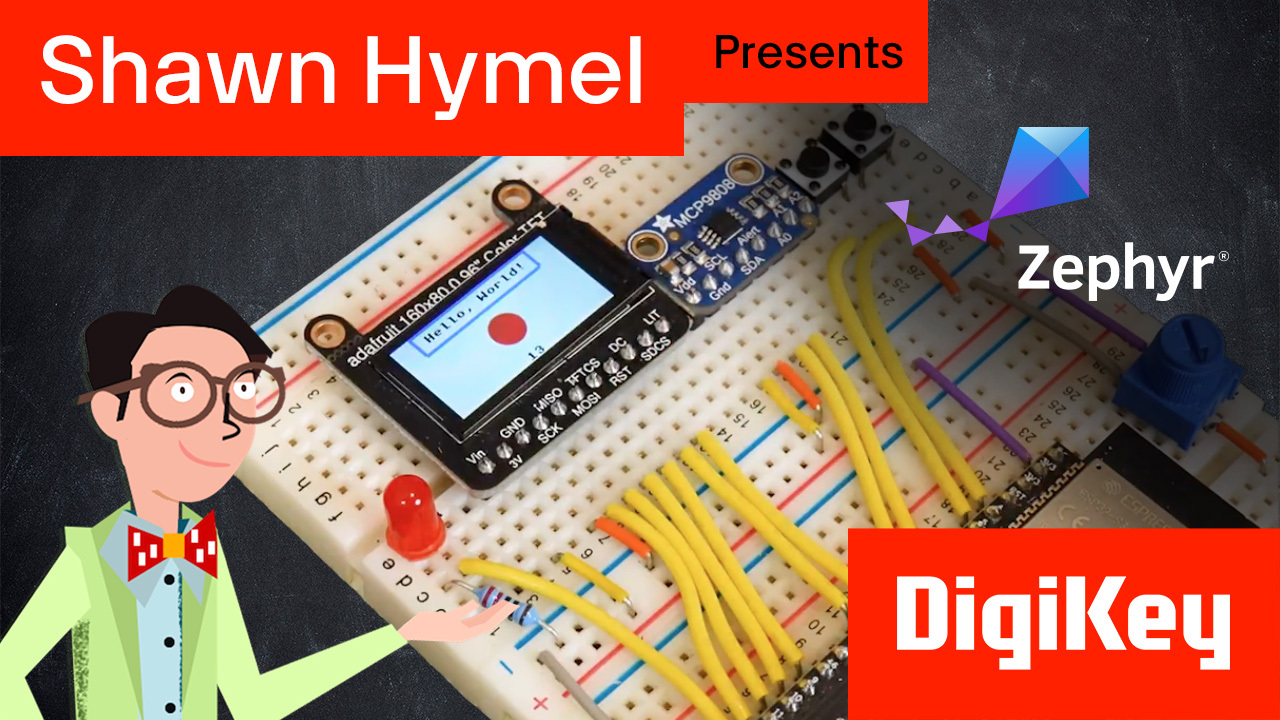
CMake is a powerful, cross-platform build system generator that makes managing complex C and C++ projects easier. Rather than relying on a single build system like make or ninja, CMake uses a simple configuration file (CMakeLists.txt) to generate the build files you need for your platform. This flexibility allows developers to maintain clean, portable project structures without locking themselves into a single workflow. You can find a written version of this tutorial here: https://www.digikey.com/en/maker/tutorials/2025/introduction-to-zephyr-part-2-cmake-tutorial The GitHub repository for this course (including solutions to the challenges) can be found here: https://github.com/ShawnHymel/introduction-to-zephyr/tree/main In this tutorial, we walk you through the basics of setting up and building a simple “Hello, World!” project using CMake. We start by creating a small static library, then link that library to an executable target. Along the way, we explore essential CMake commands like cmake_minimum_required(), project, add_library(), add_executable(), and target_link_libraries(). We show how to organize your source code, headers, and CMake configuration files to keep your project tidy and maintainable. By separating code into include and src directories and clearly defining your targets in CMakeLists.txt, you will find it easier to scale up as your application grows. CMake also streamlines working with multiple build systems; just swap generators, and your project can build seamlessly with make or ninja—no code changes required. As your projects become more complex, you can rely on CMake’s target-based design to manage compiler flags, dependencies, and different libraries. Its built-in commands and modular approach make it straightforward to add tests, integrate with external frameworks, or cross-compile for embedded targets like those in the Zephyr ecosystem. We demonstrate how to build Zephyr projects without west; by relying on pure CMake commands. This demonstrates how west is a meta-tool and how you can manually configure and build projects in Zephyr. Finally, we issue you a challenge to add a custom (and simple) library to the previous episode’s blinky demo. Whether you’re building a simple utility or a complex embedded application, CMake offers a modern, maintainable approach to managing your builds. Once you grasp the fundamentals, you’ll find it much easier to adapt to new requirements, add functionality, and confidently share your code with others—no matter what environment they’re working in.


Part List
| 图片 | 制造商零件编号 | 描述 | 可供货数量 | 价格 | 查看详情 | |
|---|---|---|---|---|---|---|
 |  | ESP32-S3-DEVKITC-1-N32R8V | ESP32-S3-WROOM-2-N32R8V DEV BRD | 0 - 立即发货 | $140.58 | 查看详情 |







 中国
中国